Shops and retail chains.
From a neighbourhood shop to a chain: the till scans and weighs, the fiscal receipt goes out by itself, cards are paid on the terminal, and sales and stock are visible for every shop.
What you use
Products for your shop.
The store's checkout, stock and reports — in one program.
A register with scanner, scales and stocktaking — on a POS or tablet.
Self-checkout: customers scan, weigh and pay by themselves.
A till on a phone or terminal — for markets, stalls and florists.
Fiscal receipts with no cash register — they reach the tax office on their own.
Your customers' discount cards — on their phone.
Take QR payments, no bank terminal needed.
Sales, stock and margin, per shop.
In the shop
At the till, across the chain and at self-checkout.
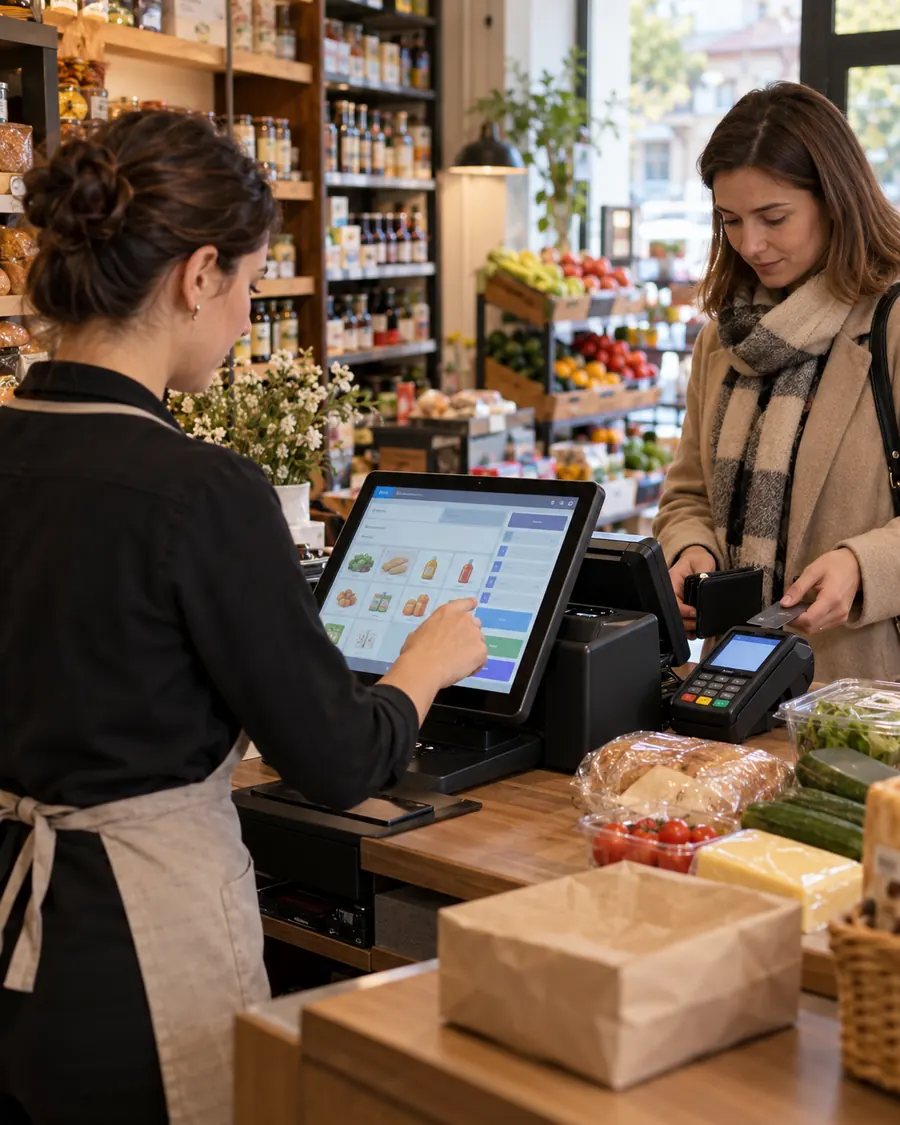
The same person serves customers and handles the stock, so every minute at the till counts. CR POS Retail runs on Windows or Android POS and on iOS or Android tablets, on its own or connected to Sales Expert, an ERP or 1C.
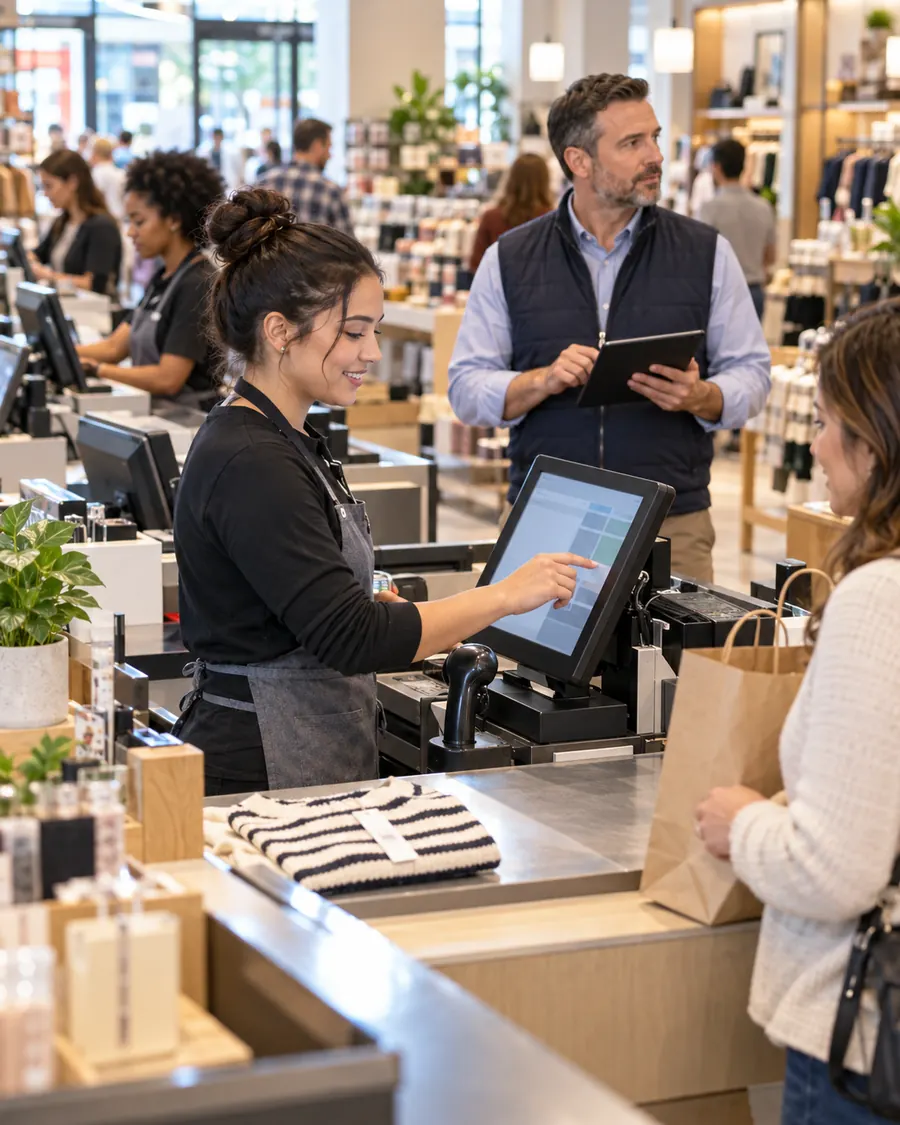
With several tills and locations, the whole team needs to work to the same process. Together we settle what stays common across the shops and what is adapted locally, then connect the tills to your management system.
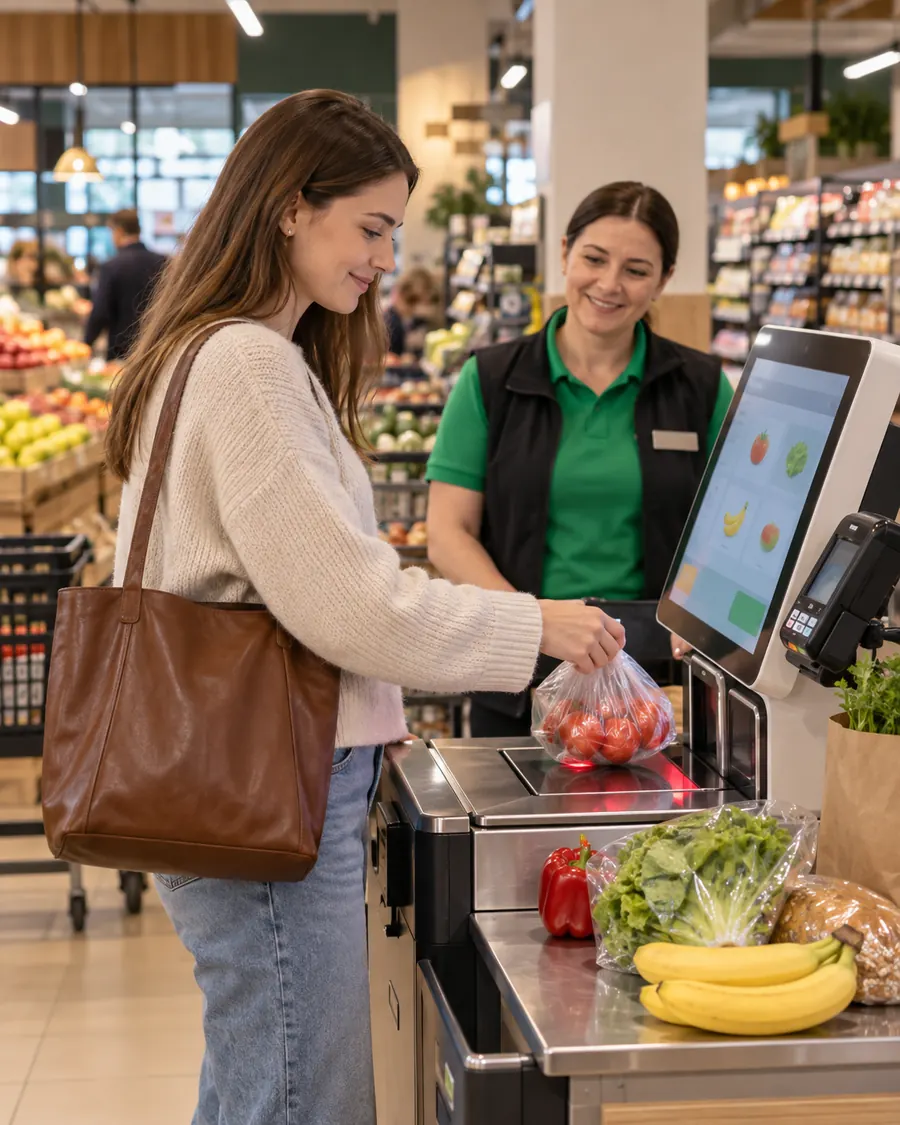
Customers scan, weigh and pay at their own pace, while staff stay free to help. CR Self Retail is configured around the size of the shop and the customer's route through it.
Small shops
Boutique, clothing, accessories, cosmetics: the register on a single device.
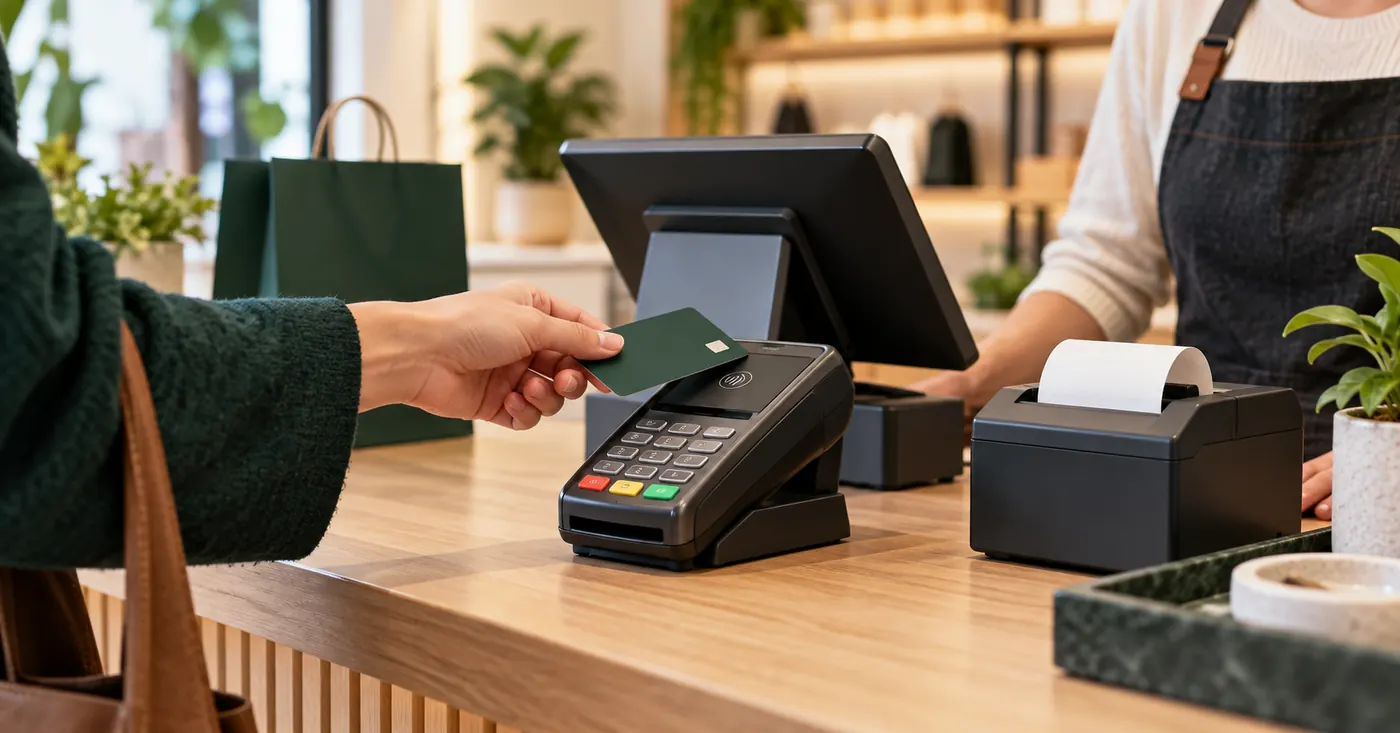
Sunmi (V2, T2), iMin, PAX, Nexgo or Feitian, obtained through a bank — maib, Moldindconbank, Victoriabank, OTP Bank. The same terminal takes the card and issues the fiscal receipt via ISFiscalCloud.
Your phone or tablet, any Android 8+, becomes a cash register with CR Mobile: receipt by email, SMS or Bluetooth printer, card payments via SoftPOS (maib, Victoriabank).
Activation through your bank
How to activate the register at your bank.
Call your bank and ask for the 2-in-1 Android terminal or the phone app with INTELECTSOFT fiscalisation. The same device takes the card and issues the fiscal receipt.
| Bank | What to ask for | Where to call |
|---|---|---|
| maib | 2-in-1 Android terminal with INTELECTSOFT fiscalisationOn a phone: maib smartPOS with INTELECTSOFT fiscalisation | 1314+373 22 025 270 |
| Moldindconbank | 2-in-1 Android terminal with INTELECTSOFT fiscalisation | +373 22 717 171 |
| OTP Bank | 2-in-1 Android terminal with INTELECTSOFT fiscalisation | +373 22 256 456 |
| Victoriabank | 2-in-1 Android terminal with INTELECTSOFT fiscalisationOn a phone: VB24 POS with INTELECTSOFT fiscalisation | 1303 |
| Paynet | On a phone: Tap2Pay Paynet Business with INTELECTSOFT fiscalisation | 1311+373 78 999 998 |
“On a phone” means a compatible NFC-enabled Android phone: the customer taps the card on the phone, with no separate bank terminal.
What fiscalisation costs
70 MDL per POS a month for 1–1,500 receipts, VAT included. A month with no sales and no generated reports costs 0 MDL — useful for holidays or seasonal work. Bank charges are separate; the card payment rate comes from the bank.
Receipts when you take payments on a phone
The fiscal receipt goes out by email or SMS. If you need it on paper, you can buy a compatible mobile printer from TECSOL.
On delivery and in your system
With POSLink, the courier scans the invoice QR code, gets the amount and takes the payment on the spot. Through POSLink and the API, payment and receipt also connect to an ERP, 1C or another system, after a compatibility check.
Technical questions — IntelectSoft support: +373 22 835 311. Sales questions: +373 22 835 312. Android terminals in detail: mev.md.
How a sale flows
From the shelf to the report.
- The salethe cashier scans and weighs, or the customer does it at the self-checkout
- The fiscal receiptis issued via ISFiscalCloud (S003) and reaches MEV
- The paymentcard on the terminal via POSLink, or QR via QRSmartPay
- The reportsales, stock and margin for each shop in BI Navigator
The result: you sell faster, see everything in real time, and drop the paperwork.
FAQ
What people ask before implementation.
Can I use my current scanner and scales?
Usually yes, after a technical check. If you need new equipment, our partner TECSOL supplies and installs it.
How do I give discounts to loyal customers?
With MyDiscount: the discount card is on the customer's phone and applies at the till.
Can I see sales for each shop?
Yes: takings and receipts in real time in mev.md, and analysis by shop, stock and margin in BI Navigator.
Which register should a small shop (boutique, clothing, cosmetics) choose?
The simplest: the bank's 2-in-1 Android terminal (Sunmi, iMin, PAX, Nexgo) with ISFiscalCloud — card payment and fiscal receipt on the same device. With no separate hardware, your own phone with CR Mobile works too.
Where do I get the terminal?
Through a bank: maib, Moldindconbank, Victoriabank or OTP Bank. IntelectSoft activates the register and MEV fiscalization on it.
Why IntelectSoft for chains and complex processes →
Want to see how it would look in your shop?
We reply the same working day with what can be done and how long it takes.