CR Mobile a cash register on a phone, tablet or bank terminal
The same cash register on an Android phone, tablet or bank terminal. Take cash, card or MIA, issue a printed or electronic fiscal receipt, and see your takings in MEV in real time.
Features
What CR Mobile does for your business.
On an Android phone, tablet or bank terminal, CR Mobile works the same way — the cashier has nothing new to learn.
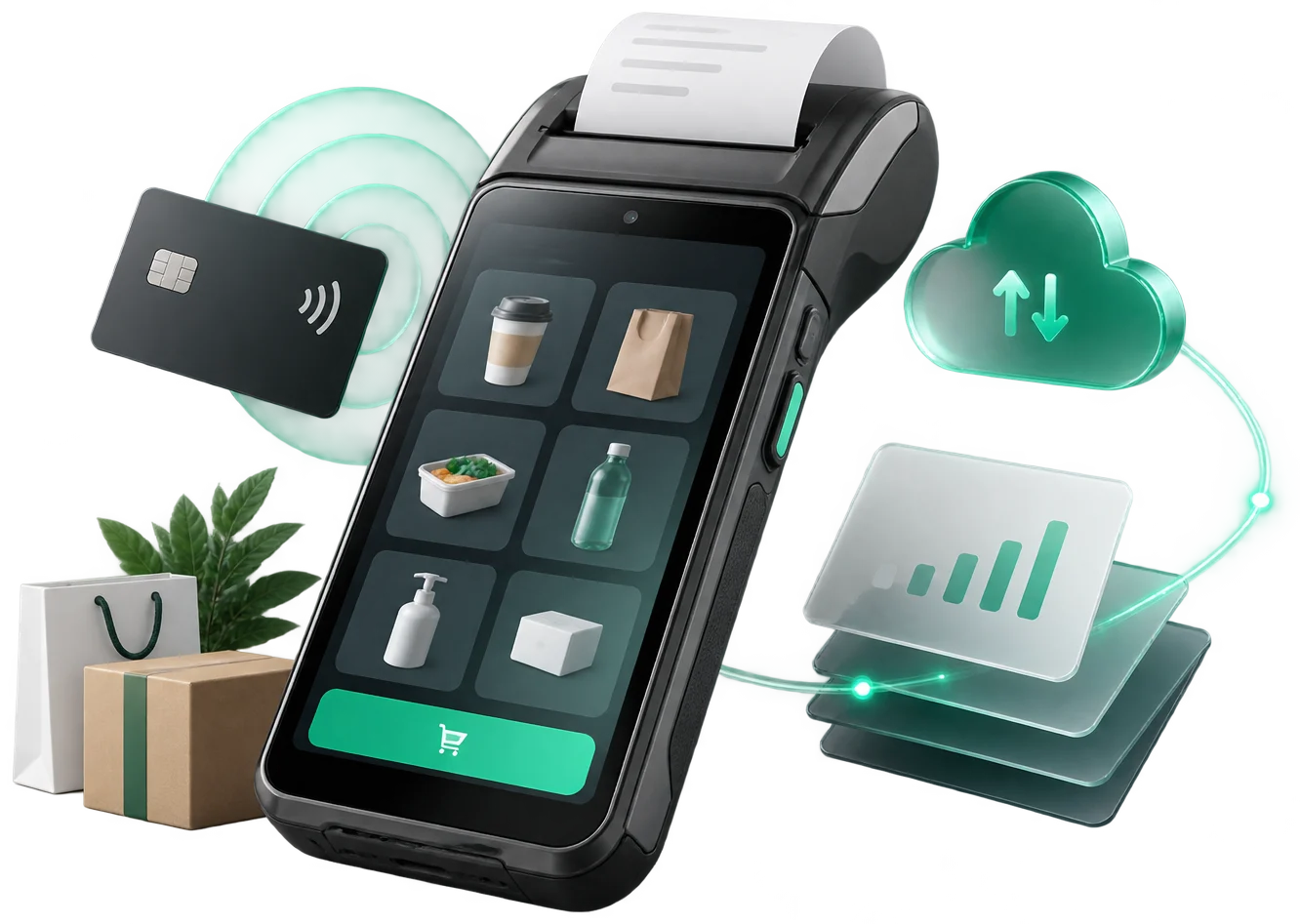
On a phone you take cash, MIA instant payments and cards, if the phone has NFC. On a bank terminal, cards are accepted directly.
The bank terminal prints the fiscal receipt. On a phone you print it on a Bluetooth printer or send it by e-mail, SMS or QR code.
If the customer is identified with MyDiscount, the receipt lands in their app automatically.
Sales and receipt copies appear in the mev.md account right after the sale.
Sales by product and location in BI Navigator; the mobile app is free.
Payment on delivery
The invoice from your ERP becomes a payment and a fiscal receipt at the customer's door.
It works with any ERP or 1C system that issues invoices. POSLink links the invoice to the payment.
- 1Invoice with QR
The office issues the invoice in the ERP or 1C.
Invoice/CreatePOSLink returns the QR, which is printed on the invoice. - 2Delivery
The courier brings the goods, the invoice and the bank terminal or a phone with CR Mobile.
The QR is valid untilValidToor until payment. - 3Scan
The courier scans the QR with the terminal or the phone.
Invoice/GetCR Mobile gets the items and the amount by itself; nothing is typed. The ERP getsScanned. - 4Payment
The customer chooses how to pay; by card, on the bank's terminal.
MAIBMICBVictoriabankOTP BankCR Mobile issues the fiscal receipt through ISFiscalCloud, which sends it in parallel to SIA MEV and ISCloud. - 5Invoice closed
The customer gets the receipt: printed, by e-mail, SMS, QR code or in MyDiscount.
Invoice/PaydPOSLink marks the invoice paid; the ERP getsPayedwithReceiptIDandDeviceID.
Step by step: who talks to whom — the full POSLink integration map →
Nothing to type at the door
The amount and items come from the invoice; the courier just scans and takes the payment.
Phone or bank terminal
The courier uses whatever is at hand: their own phone or a terminal from one of the banks.
Certified fiscalization
Fiscal receipts are issued through ISFISCALCLOUD — a cash-register model built by Intelectsoft and listed in the STS unified register by decision no. 26 of 03.05.2023, code S003, for trade and services. The fiscal receipts issued through this module are managed in the MEV cabinet.
Integration
Like a cash register on a cable — only without the cable.
Every phone or terminal running CR Mobile has a device ID. Your management system or a web page sends the transaction (the pre-receipt) through POSLink to that ID, and CR Mobile issues the fiscal receipt.
One connection for all
The same integration works on any phone and any Android bank terminal.
From any system
ERP, 1C, a management program or a web page — they all send the same way, through POSLink.
The receipt stays fiscal
CR Mobile issues the receipt through ISFiscalCloud, just like any sale made in the app.
How it works
Three steps to the result.
the app on your phone, tablet or bank terminal
the fiscal device and configure your products
at the stall, in the kiosk, at the customer's or on delivery
Integrates with
CR Mobile is part of the Cash Register family, alongside CR POS Retail, CR POS HoReCa, CR Self Retail and CR Self HoReCa.
Part of the IntelectSoft Business Cloud ecosystem — the products talk to each other automatically.
Frequently asked questions
What people ask before implementation.
Which devices does CR Mobile run on?
On phones and tablets with Android 10 or later and on Android bank terminals. The app looks and works the same on all of them.
Can I take card payments on a phone?
Yes, if the phone has NFC. On the phone you also take cash and MIA instant payments. On a bank terminal, cards are accepted directly.
How do I print a fiscal receipt from a phone?
Connect a Bluetooth printer — available, for example, from tecsol.md — and print fiscal receipts just as on a terminal. The receipt can also go out electronically: by e-mail, SMS or QR code.
Where do I see my sales?
In the mev.md account you see takings and receipt copies in real time. For advanced analytics there is BI Navigator, whose mobile app is free.
Can it connect to our management software?
Yes. Through POSLink, your management software, 1C or a web page sends the transaction to the device ID, and CR Mobile issues the receipt — like a cash register on a cable, only without the cable.
How does payment on delivery work?
The ERP or 1C sends the invoice to POSLink and gets a QR code, printed on the invoice. At the customer's, the courier scans the code with a phone or bank terminal, the customer pays, and the fiscal receipt is issued on the spot.
Would you like to see CR Mobile in action?
Book a 30-minute presentation — we will show you the solution on your own case.