CR POS HoReCa a cash register for restaurants, cafés and bars
The venue's cash register on a Windows or Android POS, or on an iOS or Android tablet. Open orders per table, send them to the kitchen and bar, split the bill, while card payments go to the bank terminal via POSLink.
Features
What CR POS HoReCa does for your venue.
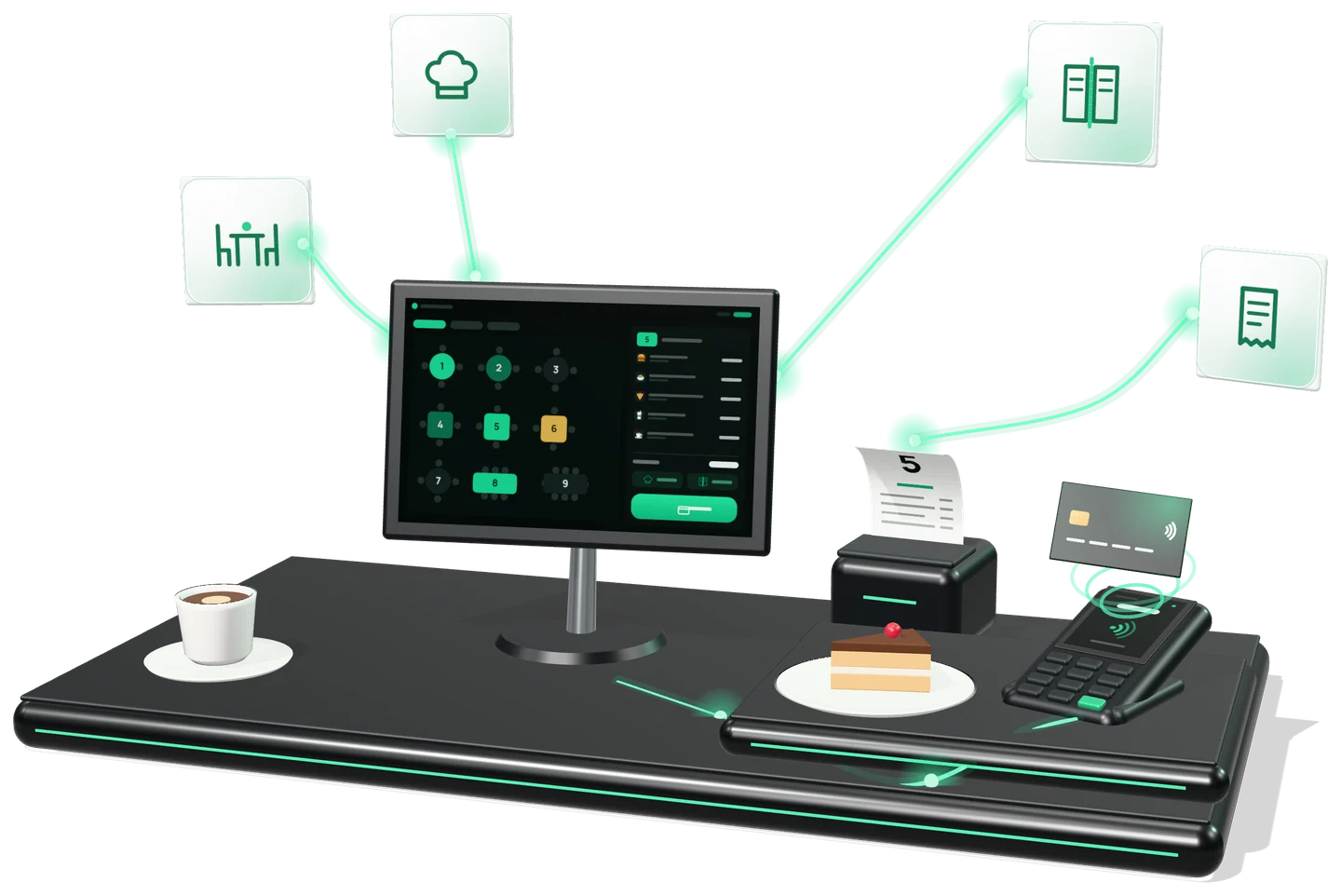
See the table map and the open orders on each table.
The order goes to the station automatically, to a printer or a screen.
Split the bill between guests and move orders from one table to another.
The fiscal receipt is printed or sent by e-mail, SMS, QR code or straight to MyDiscount.
Sales and receipt copies appear in mev.md in real time; advanced analytics is in BI Navigator.
From the venue
The order's route, from taking it to the receipt.
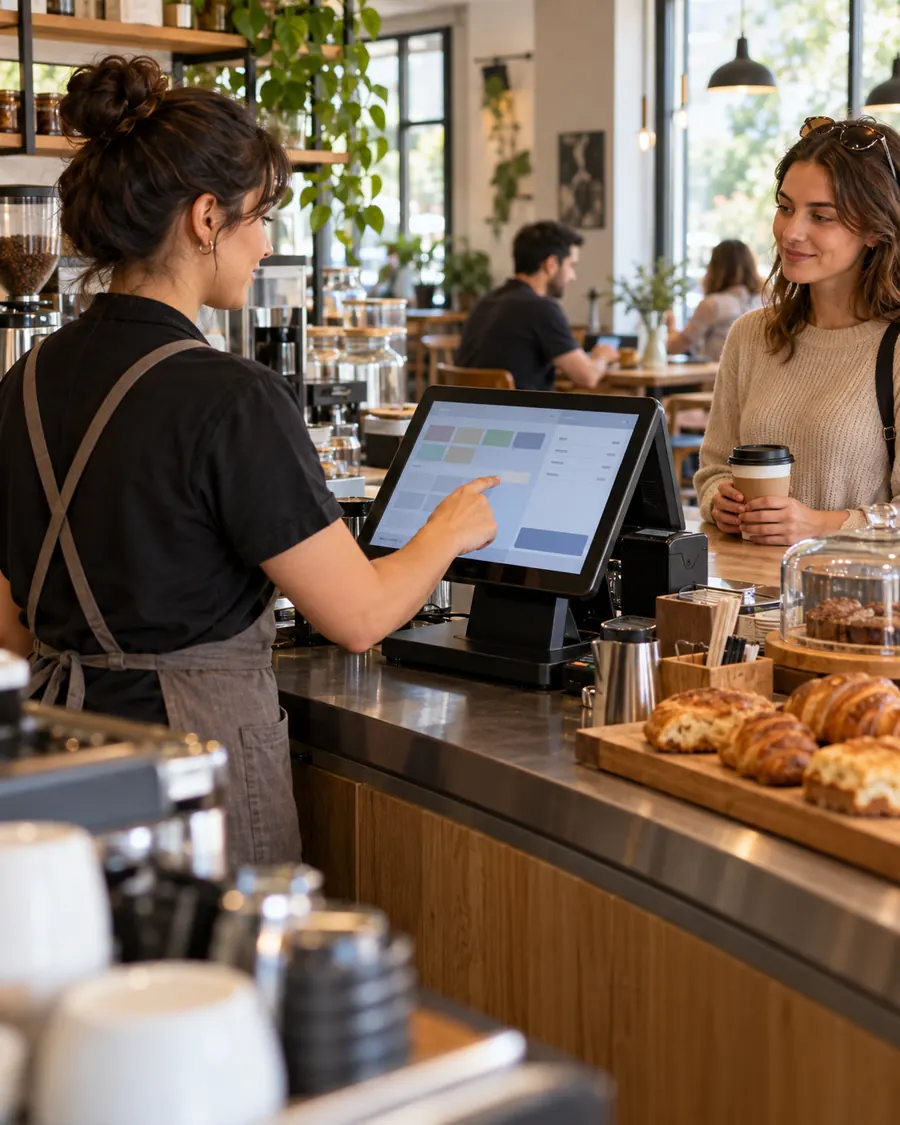
In HoReCa, a rush is felt straight away at the point of payment, and the CR POS HoReCa interface is built for that pace. Before choosing, we map an order's route together: from taking it to payment and the fiscal receipt.
Card payment
The bill closes at the register, the card is charged on the terminal.
The waiter no longer types the amount on the terminal: CR POS HoReCa sends it there via POSLink.
- The billThe table's order is closed at the register.
- POSLinksends the amount to the bank terminal connected to the register.
- The terminalThe guest pays by card; nobody re-types the amount.
- The fiscal receiptis issued through ISFiscalCloud: printed or electronic.
Integration
Works on its own or next to your management system.
It can work on its own or connected to Restaurant Expert, an ERP, 1C or another management system. POSLink makes the connection.
On its own
CR POS HoReCa is a standalone product: it needs no other program to serve tables and issue fiscal receipts.
Invoice data via POSLink
The management system, 1C or a web page sends the data to the register's ID, and the fiscal receipt is issued automatically.
One connection for the whole family
The POSLink integration is the same across the Cash Register family: CR Mobile, CR POS and CR Self.
How it works
Three steps to the result.
the app on a POS or tablet
the fiscal device and configure your products
in the dining room and at the bar
Integrates with
CR POS HoReCa is part of the Cash Register family, alongside CR Mobile, CR POS Retail, CR Self Retail and CR Self HoReCa.
Part of the IntelectSoft Business Cloud ecosystem — the products talk to each other automatically.
Frequently asked questions
What people ask before implementation.
Which devices does CR POS HoReCa run on?
On Windows or Android POS terminals and on iOS or Android tablets. The features are the same on all of them.
How are card payments taken?
CR POS HoReCa sends the amount to the bank terminal via POSLink. The guest pays on the terminal and nobody re-types the amount.
Can it be used without Restaurant Expert or another ERP?
Yes. CR POS HoReCa is a standalone product: it works on its own or connected to Restaurant Expert, an ERP, 1C or another management system.
Where do I see my sales?
In the mev.md account you see takings and receipt copies in real time; advanced analytics is in BI Navigator.
How does the ERP send the data for the receipt?
Through POSLink: the management system, 1C or a web page sends the invoice data to the register's ID, and CR POS HoReCa issues the fiscal receipt.
Do orders reach the kitchen by themselves?
Yes. The order goes automatically to its station — kitchen or bar — to a printer or a screen.
Certified fiscalization
Fiscal receipts are issued through ISFISCALCLOUD — a cash-register model built by Intelectsoft and listed in the STS unified register by decision no. 26 of 03.05.2023, code S003, for trade and services. The fiscal receipts issued through this module are managed in the MEV cabinet.
Would you like to see CR POS HoReCa in action?
Book a 30-minute presentation — we will show you the solution on your own case.