POSLink the link between the cash register and the card terminal
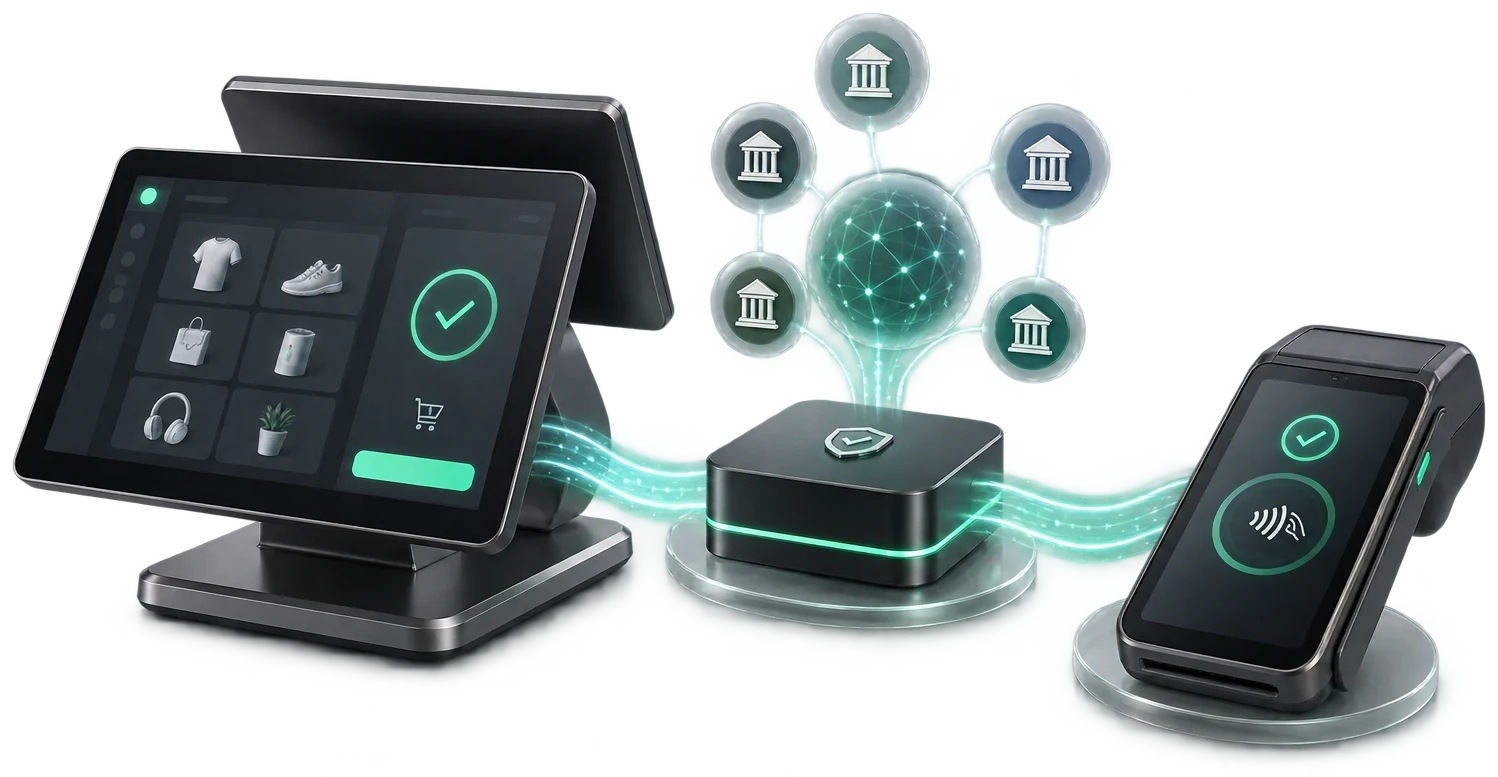
A single connection between your sales system and the bank terminals in Moldova: the amount passes automatically from the till to the terminal, with no manual typing.
Features
What POSLink does for your business.
MAIB, Victoriabank, Moldindconbank and OTP through the same API.
The till sends the amount to the terminal — the cashier types nothing.
Approved, declined, reversal — back in the system, instantly.
A complete history for reconciliation and disputes.
Several terminals on the same till, or the other way round.
Integration in days, with support from our team.

At the till
The amount comes from the system, not typed in again.
A sale can start in the management system and finish at the POS. With POSLink, a compatible system sends the amount to the bank terminal and gets the transaction result back; in configured scenarios, the invoice data passes to the till for the fiscal receipt. Compatibility and the exact steps are checked for each combination of software and hardware.
How a payment goes through
From the amount in the till to the bank's confirmation, with no manual typing.
When the bank terminal is separate from the till, the cashier types the amount a second time, and at reconciliation differences appear that nobody can explain any more. POSLink links the two devices through a single API.
- Your tillThe sales system sends the amount through the API. The cashier no longer types anything on the terminal.
- The bank terminalThe request reaches the terminal whatever the bank — MAIB, Victoriabank, Moldindconbank or OTP.
- The confirmationApproved, declined or reversal come back into your system in real time, not at the end-of-day close.
- The receipt and the logThe sale is closed and fiscalised, and the transaction stays in the log for reconciliation.
One integration, four banks
The same API for all the terminals. A new bank does not mean a new project.
The amount is no longer typed
The most common mistake at the till disappears — and the discrepancy that comes from it.
Several terminals on the same till
Or the other way round: one terminal serving several tills, depending on how the point of sale is organised.
Certified fiscalization
Fiscal receipts are issued through ISCloudFiscalPrinter — a cash-register model built by Intelectsoft and listed in the STS unified register by decision no. 25 of 03.05.2023, code S002, for trade and services, including retail sale of main petroleum products and liquefied gas. The fiscal receipts issued through this module are managed in the MEV cabinet.
Frequently asked questions
What people ask before integration.
Which banks does it work with?
MAIB, Victoriabank, Moldindconbank and OTP Bank, through the same API. Adding a bank does not require rewriting the integration.
What does our developer have to do?
Call the API at the point where the sale is closed. Documentation is available, and our team works directly with the developer throughout the integration.
How are disputed transactions resolved?
Every operation stays in the log, with its status and its identifiers, so that reconciliation with the bank statement is done on data, not from memory.
Does POSLink issue the fiscal receipt as well?
No. POSLink handles the payment. The fiscal receipt is issued by the sales system, and if you use ISFiscalCloud the two steps link into the same flow.dacă folosești ISFiscalCloud cele două etape se leagă în același flux.
Integrates with
Part of the IntelectSoft Business Cloud ecosystem — the products communicate with each other automatically.
Product portal
On poslink.md
poslink.md/en/payment-integration/
Payment on delivery via QR on the invoiceposlink.md/en/qr-delivery-payment/
Register payment straight from your ERP or 1Cposlink.md/en/payment-from-erp/
Which banks and terminals does POSLink work with?poslink.md/en/banks-and-terminals/
POSLink integration with 1C, SAP, ERP or custom appsposlink.md/en/erp-1c-integration/
POSLink APIposlink.md/en/api/
Payments and fiscalization together: POSLink + MEVposlink.md/en/payments-and-fiscalization/
The POSLink cabinetposlink.md/en/cabinet/
Would you like to see POSLink in action?
Book a 30-minute presentation — we will show you the solution on your own case.