CR POS Retail a cash register for shops, on a POS or tablet
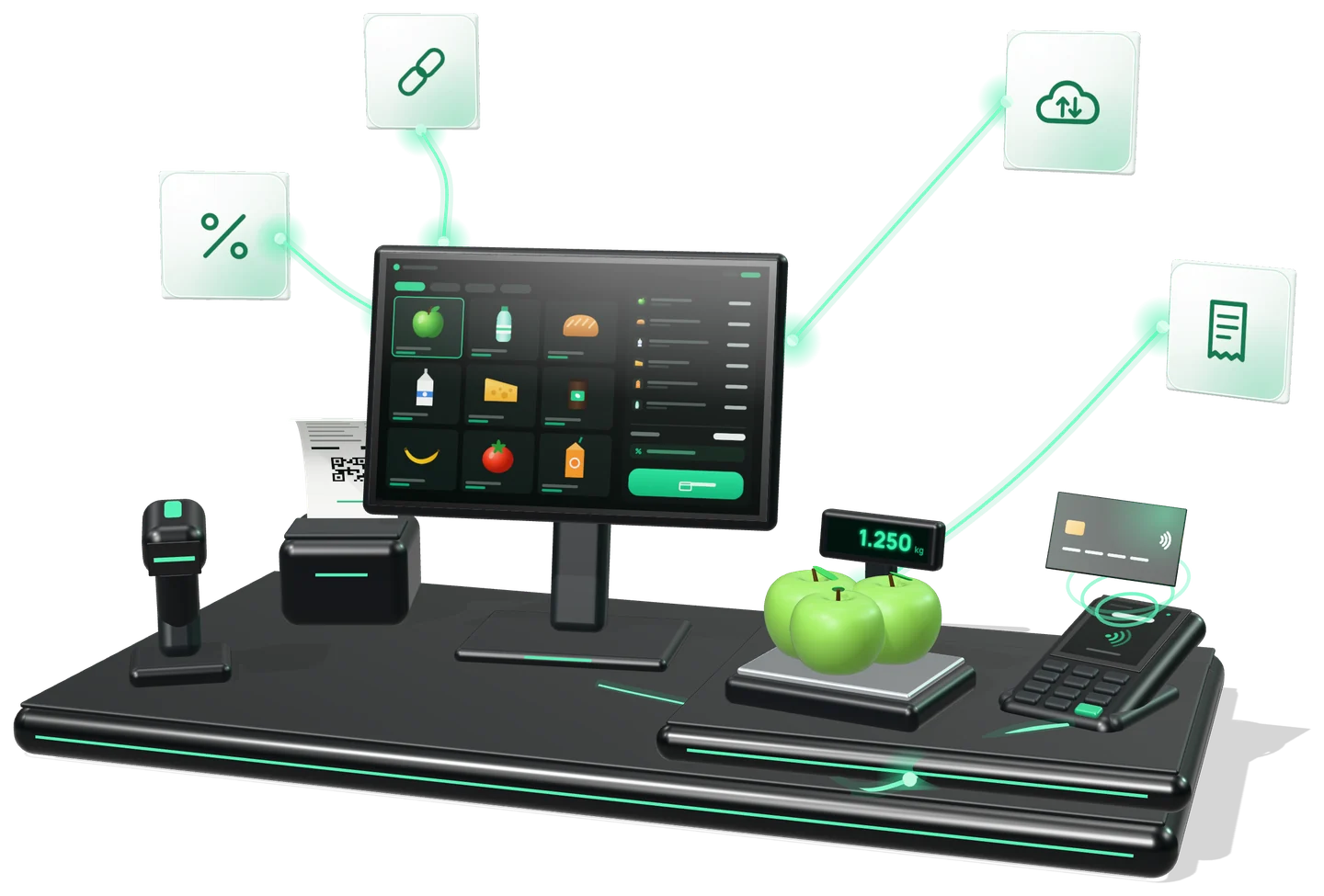
The shop's cash register on a Windows or Android POS, or on an iOS or Android tablet. Sell with the scanner and scales, apply discounts and MyDiscount, receive goods and take stock, while card payments go to the bank terminal via POSLink.
Features
What CR POS Retail does for your shop.
A product lands on the receipt with a single scan.
Goods sold by weight are read straight from the scales.
Discounts, promotions and MyDiscount cards are applied right at the register.
Returns and receipt cancellations are done at the register, with the reason recorded.
Incoming goods are recorded straight in CR POS Retail.
The shop's stocktake is done in the same app.
The fiscal receipt is printed or sent by e-mail, SMS, QR code or straight to MyDiscount.
Sales and receipt copies appear in mev.md in real time; advanced analytics is in BI Navigator.
From the shop floor
The equipment and the workflow fit the shop, not the other way round.
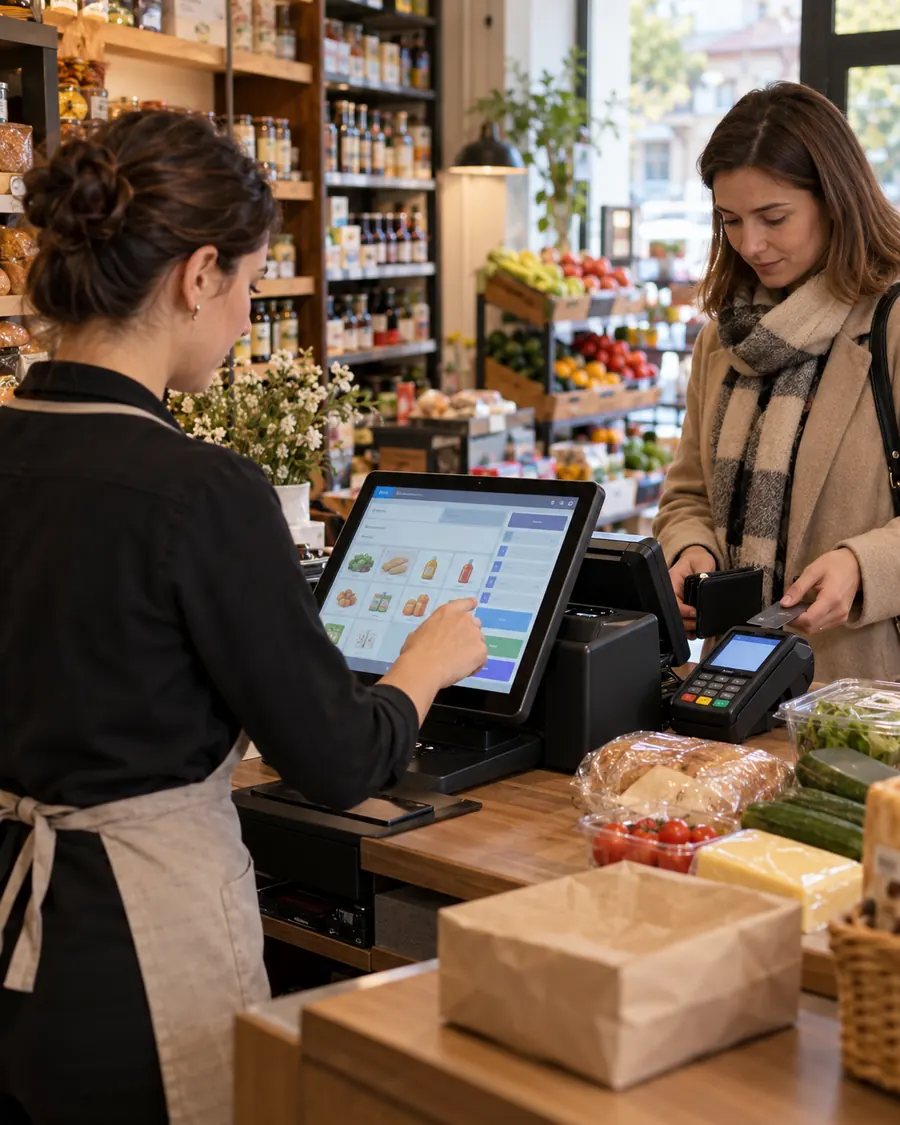
In a small shop, the same person serves customers and handles the products, so every minute at the till counts. As tills and locations multiply, we agree together what stays common and what is adapted locally.
Card payment
The register sends the amount, the terminal takes the payment, the receipt comes out by itself.
For card payments CR POS Retail asks nothing extra of the cashier: the amount reaches the terminal via POSLink.
- The registerThe cashier scans the products and closes the receipt.
- POSLinksends the amount to the bank terminal connected to the register.
- The terminalThe customer pays by card; the cashier does not re-type the amount.
- The fiscal receiptis issued through ISFiscalCloud: printed or electronic.
Integration
Works on its own or next to your management system.
It can work on its own or connected to Sales Expert, an ERP, 1C or another management system. POSLink makes the connection.
On its own
CR POS Retail is a standalone product: it needs no other program to sell and issue fiscal receipts.
Invoice data via POSLink
The management system, 1C or a web page sends the data to the register's ID, and the fiscal receipt is issued automatically.
One connection for the whole family
The POSLink integration is the same across the Cash Register family: CR Mobile, CR POS and CR Self.
How it works
Three steps to the result.
the app on a POS or tablet
the fiscal device and configure your products
at the shop's checkout
Integrates with
CR POS Retail is part of the Cash Register family, alongside CR Mobile, CR POS HoReCa, CR Self Retail and CR Self HoReCa.
Part of the IntelectSoft Business Cloud ecosystem — the products talk to each other automatically.
Frequently asked questions
What people ask before implementation.
Which devices does CR POS Retail run on?
On Windows or Android POS terminals and on iOS or Android tablets. The features are the same on all of them.
How are card payments taken?
CR POS Retail sends the amount to the bank terminal via POSLink. The customer pays on the terminal and the cashier does not re-type the amount.
Can it be used without Sales Expert or another ERP?
Yes. CR POS Retail is a standalone product: it works on its own or connected to Sales Expert, an ERP, 1C or another management system.
Where do I see my sales?
In the mev.md account you see takings and receipt copies in real time; advanced analytics is in BI Navigator.
How does the ERP send the data for the receipt?
Through POSLink: the management system, 1C or a web page sends the invoice data to the register's ID, and CR POS Retail issues the fiscal receipt.
Can I do stocktaking and goods receiving from the register?
Yes. Goods receiving and stocktaking are done in the same app you sell with.
Certified fiscalization
Fiscal receipts are issued through ISFISCALCLOUD — a cash-register model built by Intelectsoft and listed in the STS unified register by decision no. 26 of 03.05.2023, code S003, for trade and services. The fiscal receipts issued through this module are managed in the MEV cabinet.
Would you like to see CR POS Retail in action?
Book a 30-minute presentation — we will show you the solution on your own case.