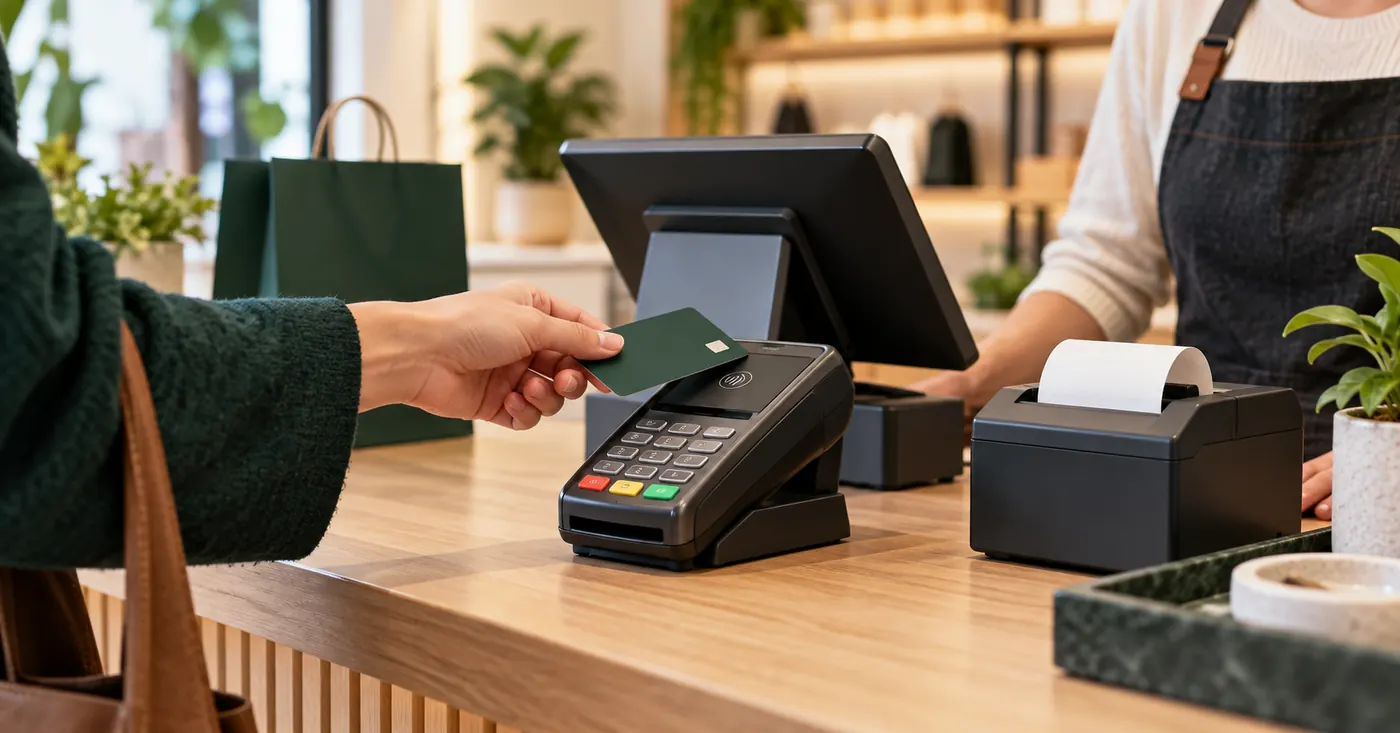
An all-in-one Android terminal with a MEV cash register.
Your bank's Android terminal takes the card and issues the fiscal receipt via ISFiscalCloud. One device on the counter, no separate register.
In short: your bank's all-in-one Android terminal — Sunmi, iMin, PAX, Nexgo or Feitian — becomes a MEV cash register with IntelectSoft's ISFiscalCloud: it takes the card payment and issues the fiscal receipt on the same device. Ask maib, Moldindconbank, OTP Bank or Victoriabank for a “2-in-1 Android terminal with INTELECTSOFT fiscalisation”.
Activation through your bank
How to activate the register at your bank.
Call your bank and ask for the 2-in-1 Android terminal or the phone app with INTELECTSOFT fiscalisation. The same device takes the card and issues the fiscal receipt.
| Bank | What to ask for | Where to call |
|---|---|---|
| maib | 2-in-1 Android terminal with INTELECTSOFT fiscalisationOn a phone: maib smartPOS with INTELECTSOFT fiscalisation | 1314+373 22 025 270 |
| Moldindconbank | 2-in-1 Android terminal with INTELECTSOFT fiscalisation | +373 22 717 171 |
| OTP Bank | 2-in-1 Android terminal with INTELECTSOFT fiscalisation | +373 22 256 456 |
| Victoriabank | 2-in-1 Android terminal with INTELECTSOFT fiscalisationOn a phone: VB24 POS with INTELECTSOFT fiscalisation | 1303 |
| Paynet | On a phone: Tap2Pay Paynet Business with INTELECTSOFT fiscalisation | 1311+373 78 999 998 |
“On a phone” means a compatible NFC-enabled Android phone: the customer taps the card on the phone, with no separate bank terminal.
What fiscalisation costs
70 MDL per POS a month for 1–1,500 receipts, VAT included. A month with no sales and no generated reports costs 0 MDL — useful for holidays or seasonal work. Bank charges are separate; the card payment rate comes from the bank.
Receipts when you take payments on a phone
The fiscal receipt goes out by email or SMS. If you need it on paper, you can buy a compatible mobile printer from TECSOL.
On delivery and in your system
With POSLink, the courier scans the invoice QR code, gets the amount and takes the payment on the spot. Through POSLink and the API, payment and receipt also connect to an ERP, 1C or another system, after a compatibility check.
Technical questions — IntelectSoft support: +373 22 835 311. Sales questions: +373 22 835 312. Android terminals in detail: mev.md.
Compatible terminals
Which terminals it runs on.
V2, T2 and other Android models with a printer.
Android terminals with a receipt printer.
Android bank terminals, obtained through your bank.
Compatible Android terminals.
And your phone or tablet, with CR Mobile.
Terminals and compatible models in detail: 2-in-1 Android POS on mev.md.
FAQ
What people ask before implementation.
Where do I get the terminal?
Through your bank: maib, Moldindconbank, OTP Bank or Victoriabank. Ask for a 2-in-1 Android terminal with INTELECTSOFT fiscalisation, and IntelectSoft activates the register and MEV fiscalisation on it.
Which terminals does it run on?
Sunmi (V2, T2 and others), iMin, PAX, Nexgo, Feitian and any Android 8+ device.
Can I take payment on delivery?
Yes. With POSLink, the courier scans the invoice QR code, gets the amount and takes payment on the spot, with the fiscal receipt issued on the same terminal.
How much does it cost?
70 MDL per POS a month for 1–1,500 receipts, VAT included; a month with no sales and no generated reports costs 0 MDL. Bank charges are separate. All tiers on mev.md.
See also: every MEV register option · the register on a phone · devices on mev.md.
Want the terminal with a cash register? We'll tell you what to ask your bank for.
We reply the same working day with what can be done and how long it takes.